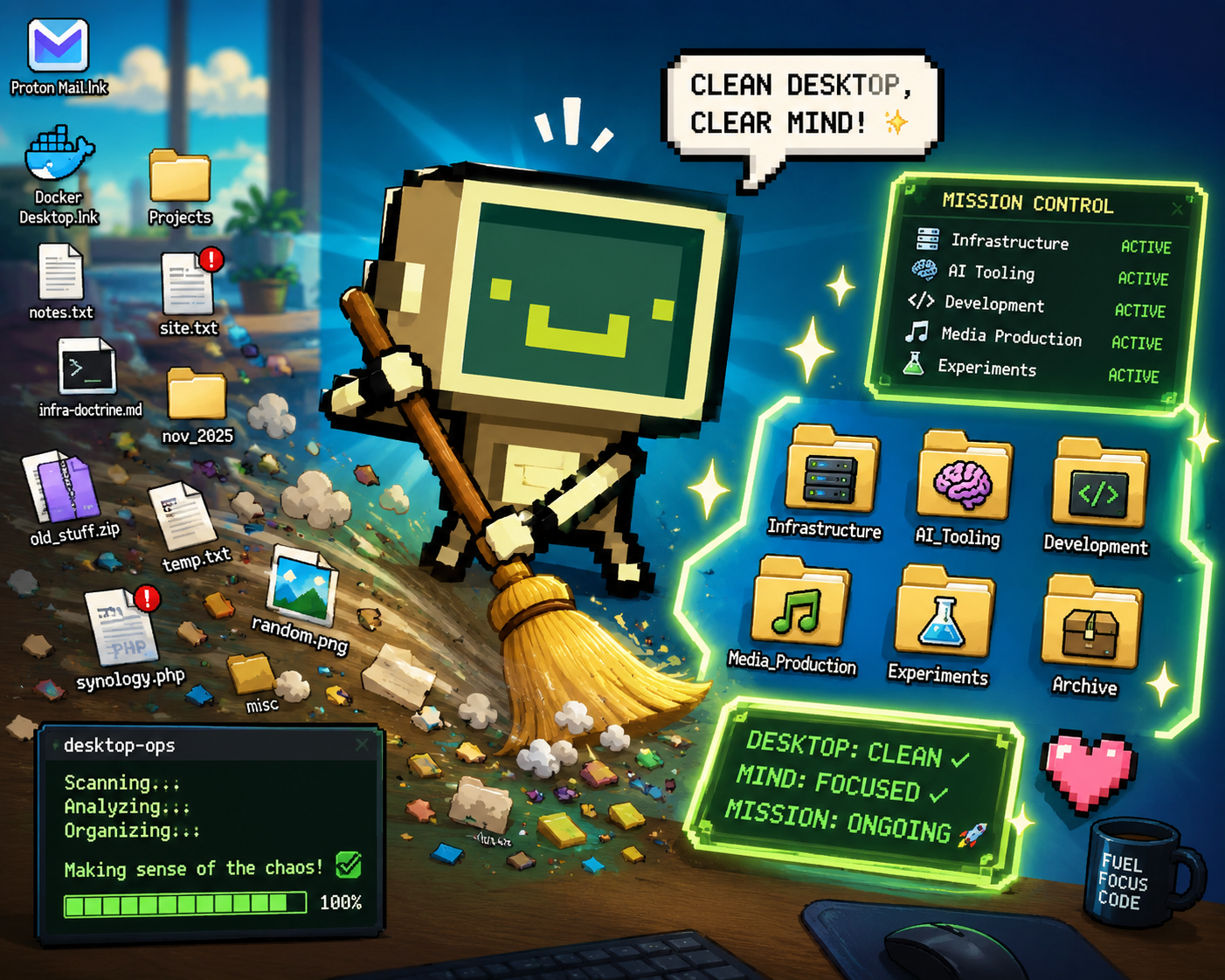

Most desktop organization tools begin with the same assumption:
Your desktop is a mess.
The solution, according to most software, is to aggressively sort, archive, hide, compress, or relocate files until the desktop appears “clean.” While that approach may work for casual users, it completely breaks down for developers, infrastructure engineers, content creators, AI researchers, and operational power users who rely heavily on spatial memory and rapid-access workflows.
In our case, the desktop was not acting as clutter.
It was acting as a live operational command surface.
That realization led to the creation of a completely different type of system: a deterministic desktop operations framework called desktop-ops.
Instead of trying to erase the natural workflow patterns already present on the machine, the project was designed to understand and preserve them.
The Desktop as an Operational Workspace
A closer inspection of the existing desktop layout revealed something important.
Different areas of the desktop already represented distinct operational zones:
- The left side contained stable launchers and frequently used tools.
- The top-right area was filled with active infrastructure and networking projects.
- The far-right edge functioned as a temporary experimentation lane.
- The center remained intentionally open as a cognitive workspace.
This was not random clutter.
It was an emergent workflow system based on spatial memory.
Many advanced users remember where something is located visually rather than remembering exact filenames. Traditional cleanup tools destroy that mental map by flattening everything into generic folders and categories.
The goal of desktop-ops became clear:
Preserve operational geography while reducing entropy.
Why Traditional AI Organizers Fail
Modern AI-based organization systems often attempt to “understand” files using vague heuristics or aggressive automation. The problem is that these systems usually optimize for aesthetics rather than operational continuity.
That creates dangerous behavior such as:
- Moving active project files unexpectedly
- Breaking launch surfaces
- Destroying spatial memory
- Archiving critical working directories
- Renaming infrastructure assets
- Triggering recursive automation mistakes
desktop-ops was intentionally designed to avoid these failure modes.
Instead of prioritizing “smartness,” the system prioritizes:
- determinism,
- explainability,
- reversibility,
- and user consent.
Every action must be understandable and inspectable.
A Staged Engineering Approach
Rather than immediately organizing files, the project was divided into strict implementation stages.
Stage 1 — Scaffold
The first stage focused entirely on architecture:
- folder structure,
- JSON schemas,
- safety contracts,
- rule systems,
- logging,
- and refusal gates.
No desktop interaction occurred during this phase.
This established a strong engineering foundation before any operational logic was introduced.
Stage 2 — Read-Only Intelligence
The second stage introduced real desktop analysis while remaining completely read-only.
The first implemented module, capture.ps1, performs deterministic desktop enumeration:
- recursive scanning,
- metadata collection,
.lnkresolution,- recursive sizing,
- ignore rules,
- protection awareness,
- and immutable snapshot generation.
Every snapshot becomes a historical artifact representing the desktop’s operational state at a given moment.
The second module, runtime-probe.ps1, added live runtime telemetry:
- active processes,
- listening ports,
- Docker state,
- NAS reachability,
- foreground applications,
- Git runtime context,
- and shortcut target availability.
Importantly, these probes were built with privacy and safety in mind. Sensitive command-line arguments are excluded by default, and every probe is isolated so failures cannot corrupt the entire runtime snapshot.