Lab build / first exercise planned
A security lab becomes useful when it can answer both sides of a question: what could an attacker discover, and what would a defender notice?
That is the purpose of this build. It brings together a Windows Active Directory environment, a dedicated testing workstation and Wazuh for monitoring. An AI assistant handles the repeatable command-line work, while I define the scope and review the evidence.
The lab
Each machine has a specific role:
- TEST01: Linux security-testing workstation.
- DC01: Windows Server 2025, Active Directory and DNS.
- WIN01: Windows 11 domain workstation.
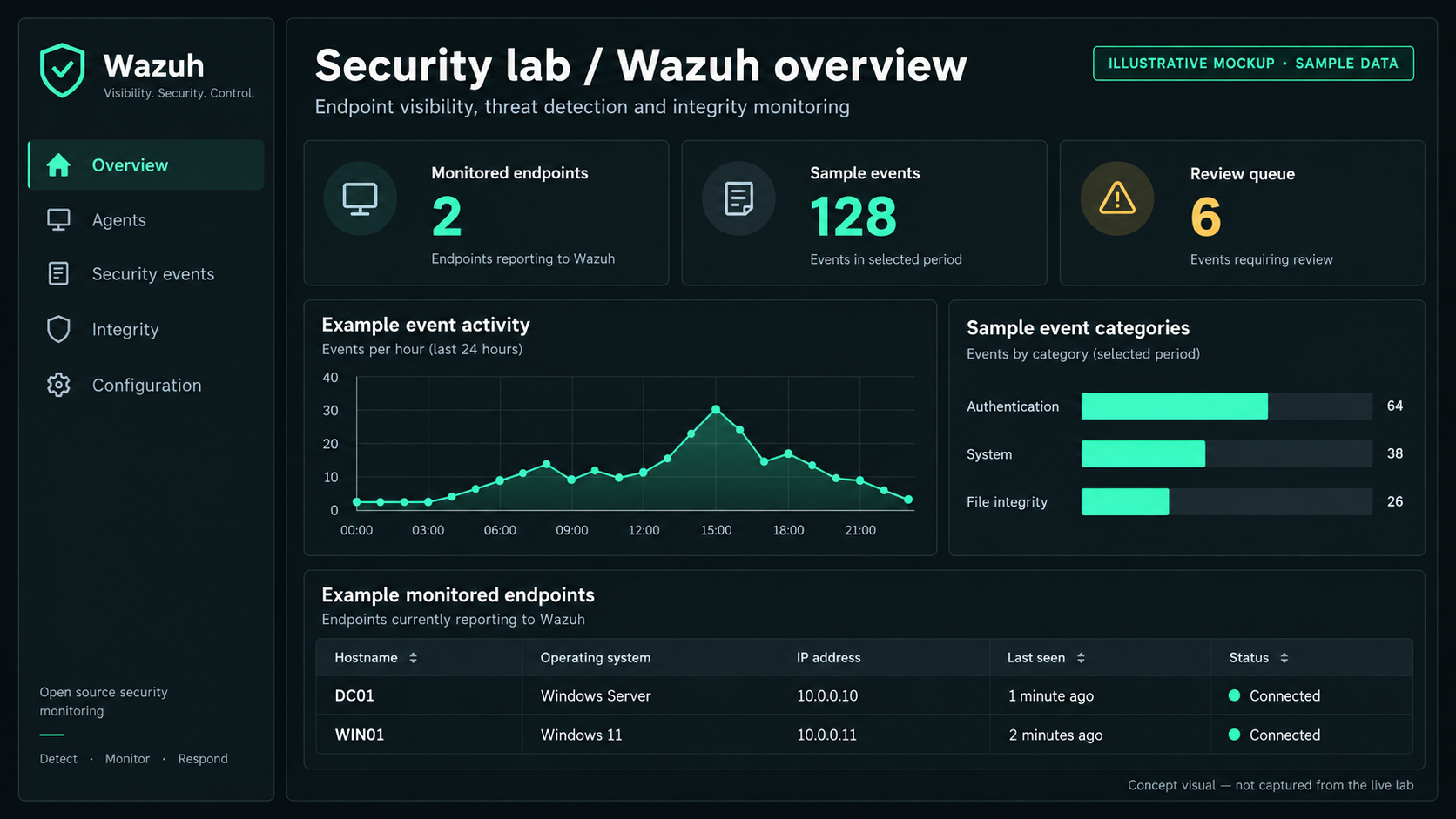
- SIEM01: Wazuh monitoring and investigation.
Define scope · review results
Claude + security tools
Active Directory / DNS
Windows domain workstation
Investigate events and detection coverage
The telemetry connections shown above need to be verified during testing. They are not a claim that every action already produces an alert.
Getting the foundations right
Before running an exercise, the testing machine needed a predictable address, the correct gateway and access to the lab’s DNS server.
One small configuration mistake illustrated why verification matters: the initial instructions targeted an Ethernet connection profile, while TEST01 was actually using Wi-Fi. Checking the active connection identified the correct profile, and the static address was then applied successfully.
It was a useful reminder: an accurate command against the wrong interface is still the wrong change.
The workstation’s installation report lists Nmap, NetExec, Impacket, Responder, Kerbrute, Wireshark, tcpdump and other supporting tools. Installation alone does not establish that the lab is ready for every exercise, but it gives us the starting toolkit.
Two limitations remained in the handover:
- The legacy BloodHound desktop application did not install successfully. Graph analysis needs a separate solution.
- Non-root Wireshark capture still required a group-membership change and a fresh login.
Where AI fits
The AI assistant is the local operator for a defined exercise. It receives a bounded task, runs the permitted commands and saves the results.
My role is to decide what we are testing, set the boundaries and assess whether the output supports the conclusions.
This makes the workflow repeatable. It also leaves an evidence trail that can be reviewed independently of the assistant’s summary.
Exercise 01: what is visible before login?
The first planned exercise is unauthenticated reconnaissance against the domain controller and Windows workstation.
The questions are deliberately narrow:
- Can TEST01 resolve the lab domain correctly?
- Which services are exposed on the two targets?
- What do those services reveal about their roles?
- What corresponding activity is visible in Wazuh?
The exercise excludes exploitation, password attempts, target changes and denial-of-service activity. Before discovery begins, the target inventory needs to be confirmed so unrelated devices on the home network remain outside scope.
Evidence before conclusions
The testing side will save every command, its raw output and timestamps. On the monitoring side, I will check which relevant events arrived and whether any detection rules triggered.
These are different outcomes:
- A scan identifies an open service
- The service was reachable from TEST01.
- A matching event appears in Wazuh
- Relevant telemetry reached the monitoring system.
- Wazuh generates an alert
- A detection rule matched the collected activity.
- No matching event or alert appears
- Further investigation is needed; it does not prove no activity occurred.
A quiet dashboard is not automatically a successful defence. It may reflect missing telemetry, collection settings, rule coverage or activity that the available logs do not record.
Current position
The workstation has its static address, and the tool installation report is available. The first reconnaissance exercise has been scoped.
There are no completed scan findings or verified detection results to report yet. The next entry will document the actual execution: what was exposed, what Wazuh recorded and what needs improving.
The intended result is a repeatable loop: define a test, execute it within scope, examine the evidence and make the next change based on what happened.