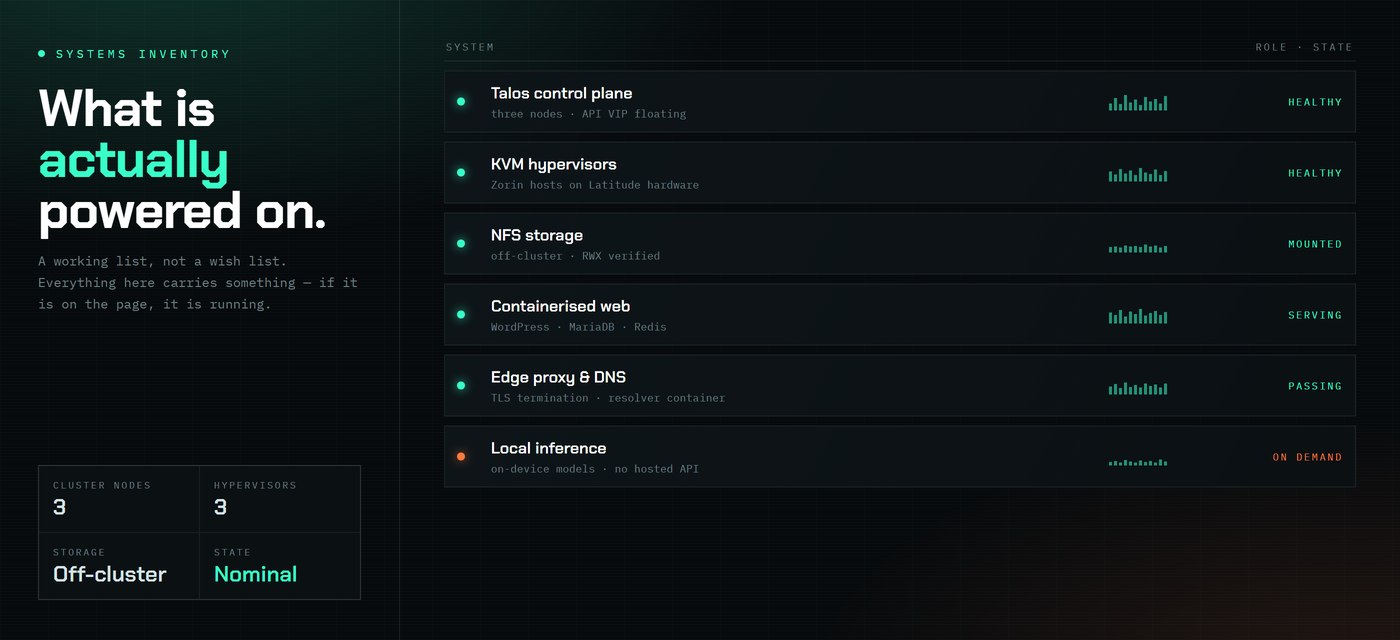
A working inventory of what runs at home, kept honest because most of it is load-bearing for something. Nothing here is theoretical — if it is on this page, it is powered on.
Cluster
Control plane
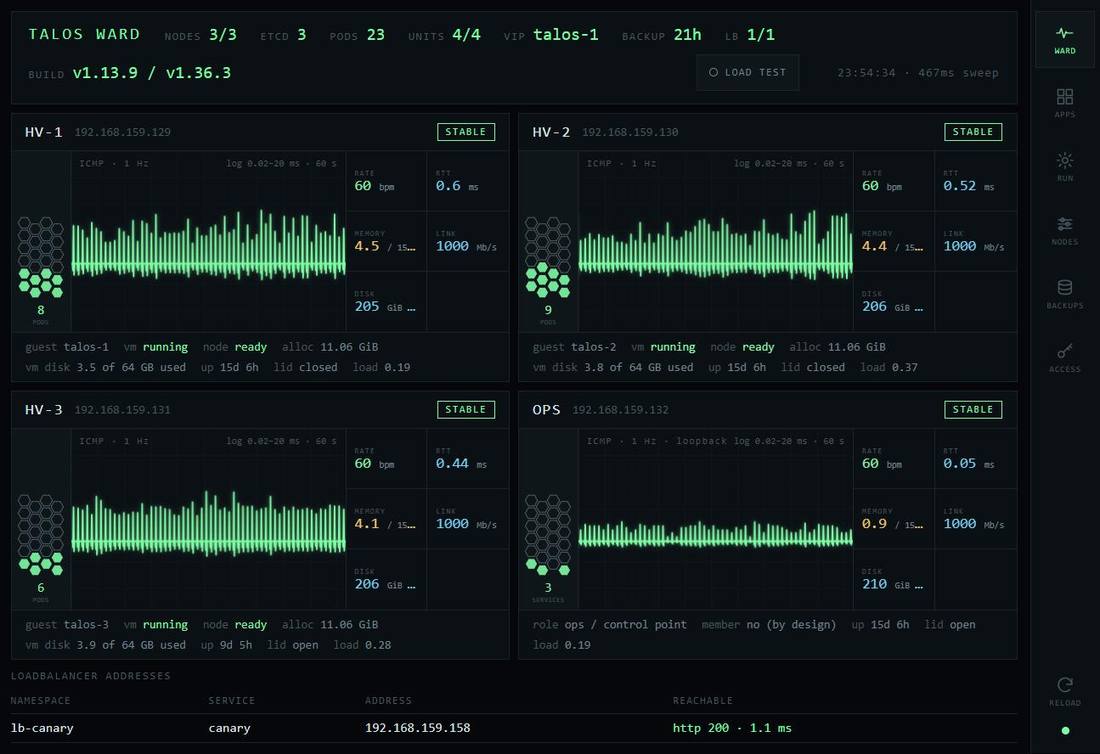
Three Talos Linux nodes, all control planes, running as KVM guests on repurposed Dell Latitude hardware. Kubernetes API VIP floats between them, failover verified by pulling nodes rather than by assumption.
Networking
flannel for CNI, MetalLB in L2 mode announcing from a dedicated address pool. Every host on a flat broadcast domain with ranges carved on paper.
Storage
NFS exported from an ops box that is deliberately not a cluster member, provisioned through nfs-subdir-external-provisioner as the default StorageClass. ReadWriteMany verified across nodes. The nodes are disposable; the data is not.
Watching it
A small status daemon written against the Python standard library, pinging each host once a second and drawing the result as a live trace. Styled like a patient monitor, for reasons that became less funny the first time a node flatlined.
Self-hosted services
Web
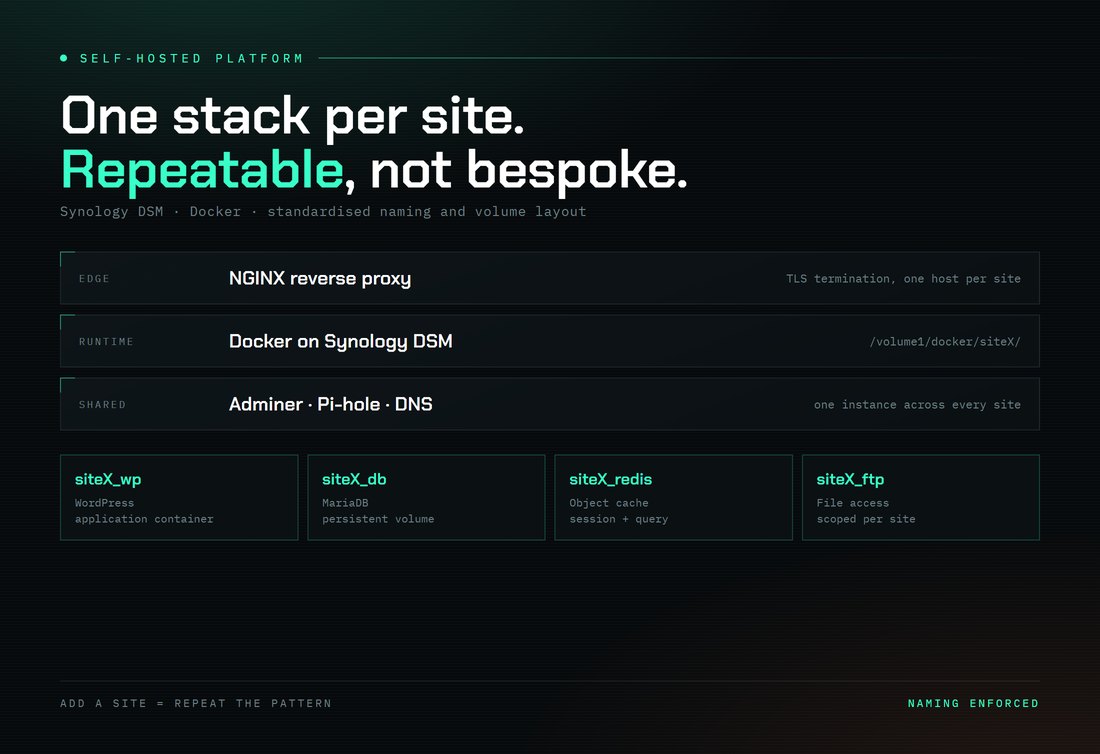
WordPress and MariaDB per site under Docker on Synology DSM, with Redis object caching and a shared Adminer instance. NGINX reverse proxy terminating TLS in front of everything. Standardised container naming and volume layout so a new site is a repeat of the pattern.
Network services
DNS running as a container rather than on the gateway, UniFi handling the LAN with its DHCP pool deliberately bounded so static ranges stay untouched.
Workstation
Local AI
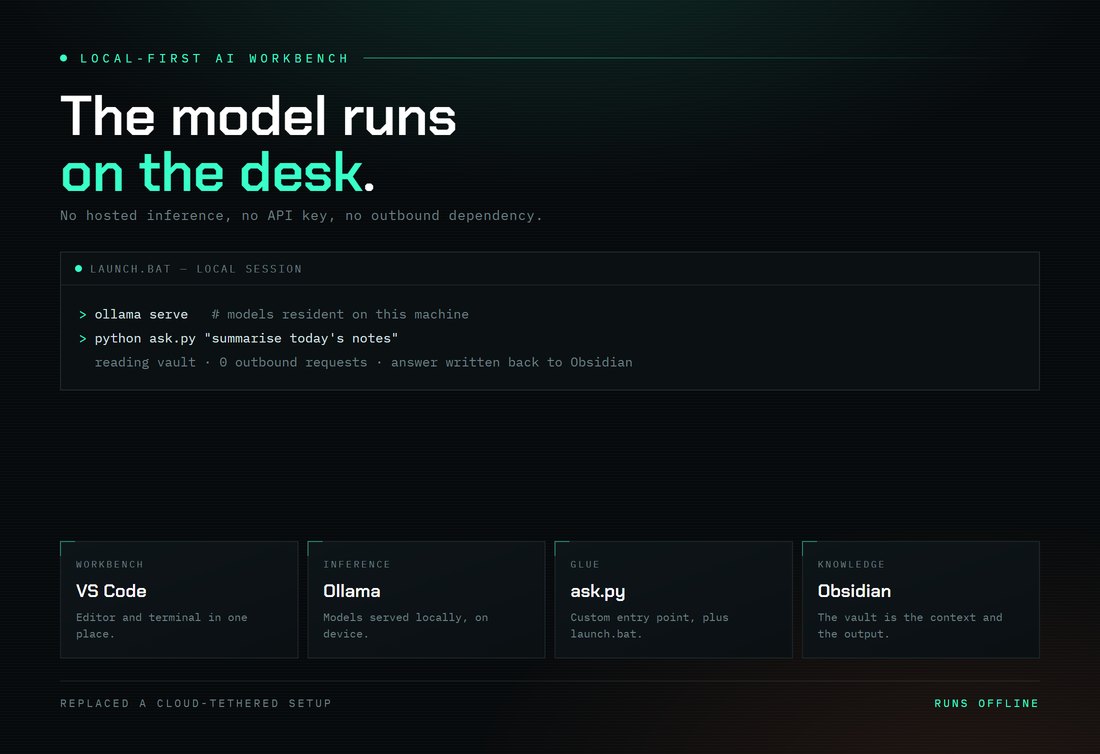
Ollama serving models on-device with VS Code as the workbench, custom entry-point scripts, and an Obsidian vault as both context and destination. Built to work with no hosted inference behind it.
Control surface
Cross-platform custom command buttons on a Stream Deck, which is the least glamorous and most used thing on this page.
Published from here
Several things on the work page run in public rather than on this network — a hero intelligence tool and a live DJ request board both deployed at the edge, a family archive, and a JAMF documentation platform on GitHub Pages. This site is administered over MCP by an AI agent, which is documented as its own entry rather than hidden.
Versions and specifics move. The Talos write-up has the numbers as they stood when it was built, including the four things that broke.